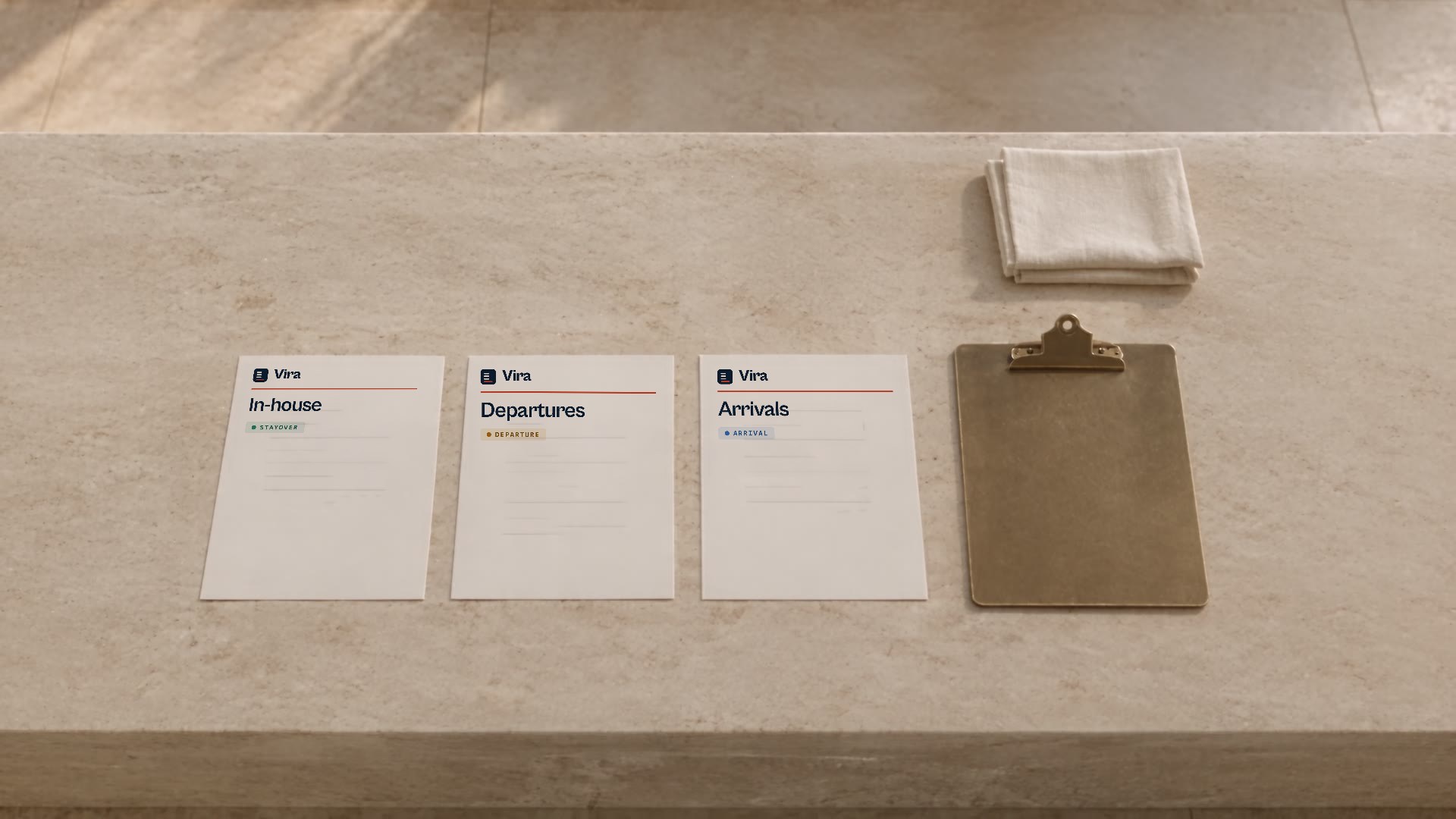
A shift starts before the first trolley moves. When departures, arrivals and stayovers arrive in separate lists, the team needs one shared view before rooms are allocated. This routine sets out a simple order of work that a head housekeeper can adapt to their hotel, with or without a tool.
Bring together operational information
Start by gathering the day s three lists: in-house, departures and arrivals. Check that they all refer to the same date and that none has been left undownloaded. Work with the minimum fields the cleaner needs: room identifier, movement type, relevant times and a concrete work note. Anything that does not help finish the task takes up space, adds noise and makes the list harder to read in the corridor.
Which fields are enough
To clean a room you usually need its identifier, the expected movement, the operational time and a short instruction. Reservation reports carry extra columns: pick the ones the team genuinely uses and do not load the plan with the rest. Vira, for its part, drops the lines it recognises as identity through a marker filter, which is not an identity verifier.
Check it is the right day
A report with the wrong date unsettles the whole morning. Confirm the three lists cover the same operational day and note any booking that appears or disappears at the last minute.
One single source
Make clear which list has the final say. When two reports disagree, decide in advance which prevails and write it down, so the same doubt is not repeated every morning.
Review before allocating
With the lists together, look for duplicate rows, rooms with no clear movement and notes that need a supervisor s decision. Distinguish the load of a departure from that of a simple stayover: counting rooms alone does not describe the shift. Keep exceptions visible instead of hiding them inside a total that nobody can rebuild afterwards.
Movements, not doors
A departure, an arrival and a stayover do not cost the same. Agree a simple weighting rule and review it with people who know the operation. In Vira a stayover weighs 1, while a departure and an arrival weigh 2 each, so the allocation gets closer to the real work.
Keep exceptions visible
When the split does not add up, do not force an assignment. Mark the room as pending and let the head housekeeper decide with the information in front of them. An exception flagged in time is solved in seconds.
A planned margin
Leave a small margin for the room that always appears at the last minute. A plan set to the minute breaks at the first surprise of the day.
Finish with a plan people can follow
Each person should be able to identify their rooms and mark progress consistently. Set aside a moment in the shift to check finished rooms and record issues. A readable list does not replace the team s judgement, but it reduces repeated questions and makes justified changes easier to follow.
A moment to check
Fix a time for the check and keep to it. Reviewing finished work, not only what is left, avoids redoing rooms and shows the team their effort is actually being watched.
Record the issues
Note what was found and what was done, even if it seems minor. A short, tidy record explains why a room was delayed or why an allocation changed mid-morning.
A visible close
End the shift with a clear state: what is done, what is left and what needs a decision. That close is the best opening for the next morning.
Quick list for the shift
- Download the three lists and confirm they are from the same day.
- Reduce each report to room identity, movement and time.
- Mark the load of each movement before allocating.
- Separate the exceptions and decide who reviews them.
- Confirm each person knows their rooms and how to mark progress.
- Close the shift by recording what was finished and the issues.
What Vira does and does not do
What Vira does
- Reads the three reports the hotel’s PMS already exports and aligns them on a single floor-by-floor board.
- Allocates with deterministic weights: the same report always produces the same plan.
- Leaves the plan with the head housekeeper to review, adjust and confirm.
What it does not do
- It is not a PMS and does not replace reservations, rates or billing.
- It does not reassign or decide on its own: the exception stays visible for a person.
- It does not fill in missing report data or invent an impossible assignment.